
If you booked via the RedDoorz App or reddoorz.com using the Pay at Hotel payment method, please visit the website or app > log in to your RedDoorz account > go to My Bookings > then cancel your booking. Please rebook if you wish to book again.
If you booked via the RedDoorz App or reddoorz.com using the online payment method, please contact our customer service as our finance team will need the guest's banking details to process the refund.
If you booked on another online site, please refer to the terms and conditions of that site or contact customer service for more details.
(Note: Refunds are not applicable for certain room types, such as promotional/sale rooms. Please check the refund policy listed on your e-voucher for further information.)
Help Center


Was this helpful?

Thank you for your feedback!
 Submit Non-Incident Report
Non-Incident Call Center
For Guests
Customer Call Center
 +62 21-80629666

For Property Owners
Property Call Center
+62 021-80629555
Incident Call Center
RedDoorz Indonesia
Create Incident Report
 Incident Report
Incident Response Call Center
+62 21 35449888
Sahabat Perempuan dan Anak (SAPA) Call Center
SAPA 129
Friends of Women and Children (SAPA) WhatsApp
 +62 8111-129-129
Police
Police 110
National Call Center
112
RedDoorz Philippines
Create Incident Report
Incident Report
Incident Response Call Center
+63 822361304
Police
Police 911
National Call Center
911
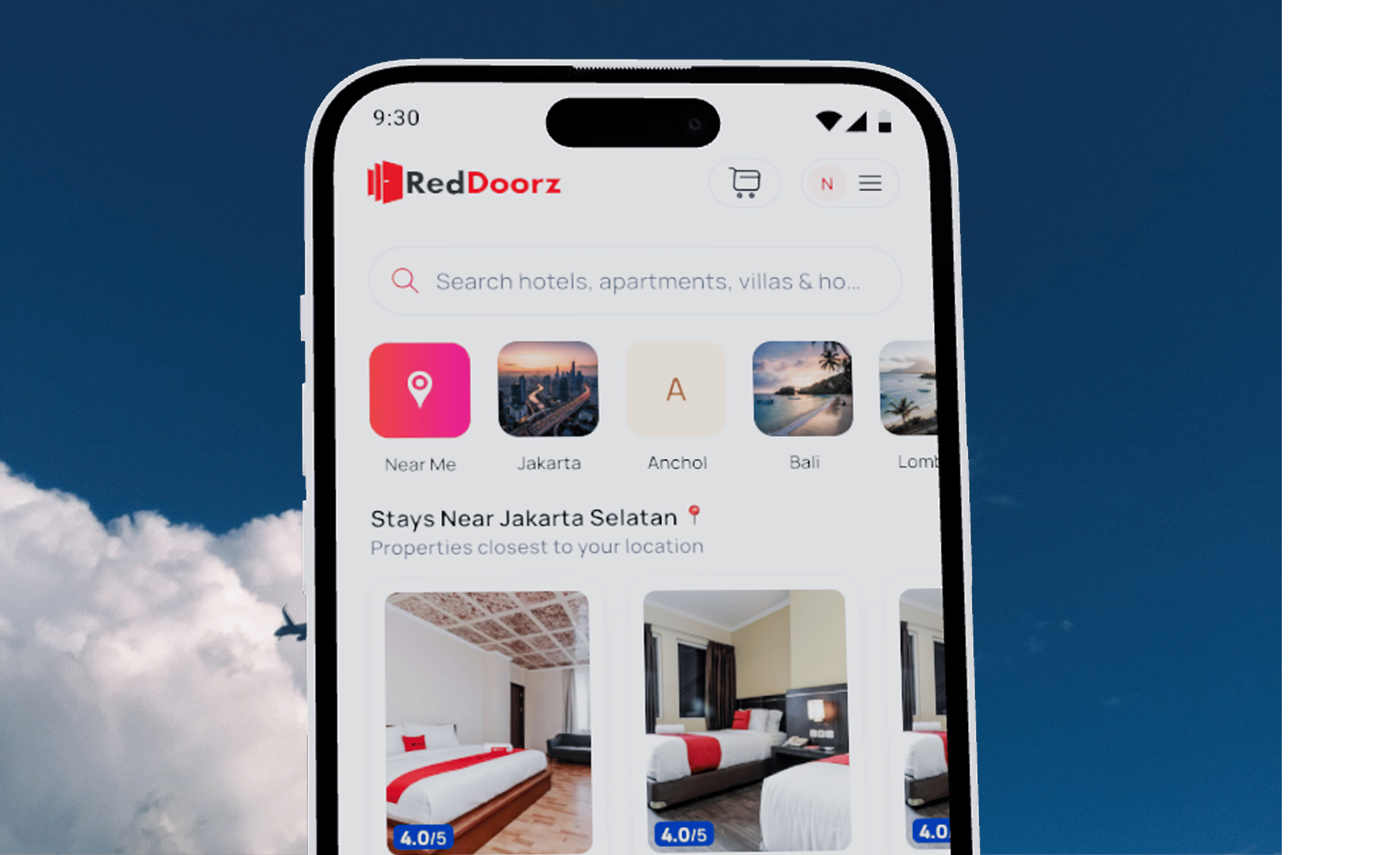
For fast support, download the RedDoorz app!
-
 Get help in one click
-
Effortless booking management
-
Free and 24/7 in-app calls and chat